
Google Takeout fixers compared: ExifTool, GPTH and others
Published
You have a Google Takeout and want every photo on the right date, and there are several tools that say they do it. They differ in what they change, what they cost and what they ask of you.
We make one of them, Datestitch. Every fact below about the other tools comes from their own pages and issue trackers, read on 29 November 2026, and each links to its source. Where another tool is the better choice for you, we say so.
What these tools do
Camera photos in a Takeout still carry their date inside, as Google's help page says. What goes wrong is the file date, which is new, and the files whose date exists only in the .json beside them: pictures from chat apps, screenshots, and anything you changed in Google Photos. Wrong dates after Google Takeout explains this. Every tool here pairs each photo with its .json and then does something with the date.
Side by side
GPTH is Google Photos Takeout Helper. First, what each costs and where it runs:
| Tool | Price | Runs on |
|---|---|---|
| ExifTool by hand | Free | Windows, Mac, Linux |
| GPTH, the original | Free | Windows, Mac, Linux |
| GPTH Neo | Free | Windows, Mac, Linux |
| Metadata Fixer | $39 once | Windows, Mac, Linux |
| immich-go | Free | Windows, Mac, Linux, FreeBSD |
| Takeout Mender | Free | A web browser |
| Datestitch | $19 once | Windows 10 and 11 |
What each does with your files:
| Tool | Date inside the file | Your Takeout |
|---|---|---|
| ExifTool by hand | Yes | Changed in place |
| GPTH, the original | No, file date only | Moved |
| GPTH Neo | Yes | Moved, unless --keep-input |
| Metadata Fixer | Yes | Not stated |
| immich-go | Sent to Immich | Only read |
| Takeout Mender | JPEG, PNG, MP4, MOV | Only read; writes copies |
| Datestitch | Yes | Only read; writes copies |
How you run it, and whether it knows the newer .supplemental-metadata.json names:
| Tool | Command line | New .json names |
|---|---|---|
| ExifTool by hand | Yes | If you change the command |
| GPTH, the original | A console with questions | No |
| GPTH Neo | A console with questions | README mentions cut names |
| Metadata Fixer | No | Its site describes them |
| immich-go | Yes | Yes |
| Takeout Mender | No | Says it covers cut names |
| Datestitch | No | Yes, in our tests |
Each tool, in a few lines
ExifTool by hand
ExifTool is free and does exactly what your command says. The well-known command looks for photo.jpg.json; for newer exports you change it to photo.jpg.supplemental-metadata.json. Cut names, numbered copies, edited copies and Live Photo videos need one command per file or kaytat's scripts. It writes in your PC's time zone and changes the files in place. Our merge guide has the commands, tested.
Google Photos Takeout Helper (the original)
GPTH is free and has about 6,000 stars on GitHub. It sets each file's modified date and puts everything in one folder. It does not write into the photo: the maintainer wrote in issue #195 that it "currently doesn't modify image metadata at all". Its README says it "moves files around by default". The last release, v3.4.3, is from September 2023, and the issue about .supplemental-metadata.json names is still open.
GPTH Neo
GPTH Neo is the maintained fork, free, with its latest release on 23 November 2026. It writes dates, places and captions into the files. Without ExifTool installed it writes into JPEG only; PNG, HEIC and videos need ExifTool. It moves files by default; --keep-input works on a temporary copy instead. Its README mentions "truncated file names" among the cases it handles.
Metadata Fixer
Metadata Fixer is a desktop app: $39 once for one computer, a free demo of 100 files, and a 30-day money-back guarantee. Its download page offers Windows, Mac and Linux. Its site says it writes dates, places and descriptions, sets the time zone from the place, and handles files numbered (1). It does not say whether it changes your Takeout or writes copies.
immich-go
immich-go is free and reads Takeout zip files directly, but only to upload them to an Immich server, which you need to have. Immich's own maintainers recommend it for Takeout imports. It is a command-line tool.
Takeout Mender
Takeout Mender is free and runs in your browser without uploading anything. It writes dates, places and descriptions into JPEG and PNG copies and the creation time into MP4 and MOV. HEIC, GIF and AVI files are copied unchanged with an XMP sidecar, and browsers cannot set the file date, so copies show today's date in File Explorer. Its page says it "has been tested with synthetic files, not yet with a wide range of real exports".
Where the free tools fall short
Each free tool leaves you something to do. ExifTool by hand needs one command per kind of name and leaves the time zone to your PC. The original GPTH writes no dates inside files and has not caught up with the new names. GPTH Neo needs ExifTool beyond JPEG and moves your files unless you ask it not to. immich-go only helps if you are moving to Immich. Takeout Mender cannot set file dates or write inside HEIC files.
When another tool is the better choice
- You are on a Mac. Not Datestitch, which is Windows only. GPTH Neo is free; Metadata Fixer is paid; Takeout Mender runs in any browser.
- You are moving to Immich. Use immich-go. It uploads straight from the zip files.
- You want it free and a terminal does not bother you. GPTH Neo, or ExifTool by hand with our commands.
- You only have a few hundred photos. The free versions of Metadata Fixer (100 files) and Datestitch (500 files) may cover all of them.
Datestitch in about a minute
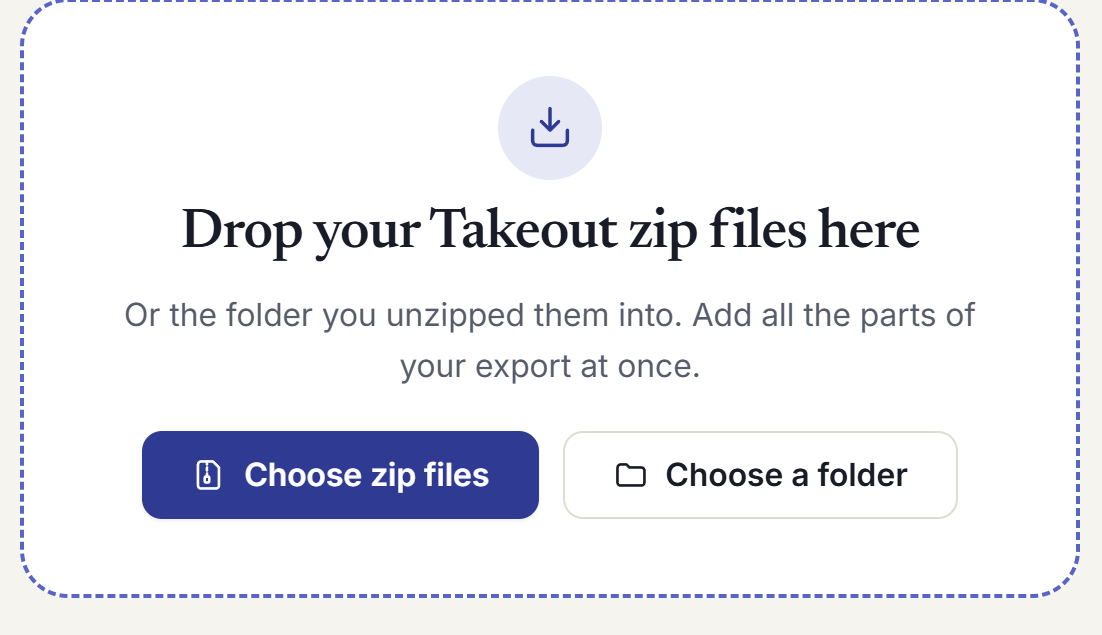
Datestitch is for Windows, with no command line. Add your Takeout zip files or the folder you unzipped them into, check the free preview, then click Copy and fix and choose a new folder.
It recognises Google's .json files by what is inside them, so cut names, numbered copies, edited copies and Live Photo videos are paired; the naming guide lists them. It writes the date into JPG, PNG, WebP, HEIC, GIF, MP4 and MOV copies, sets each copy's file date, uses the local time of the photo's place when it is known, and sorts the copies by year and month or by album. Your Takeout is only read: every release is tested by comparing a checksum of each original before and after a full run.
What Datestitch does not do
We have tested Datestitch only on exports we built to imitate a Takeout, in five account languages. It has not yet run on a real Google Takeout.
- Run on a Mac or Linux. It is for Windows 10 and 11, 64-bit.
- Upload anywhere. It writes a folder of copies; importing them into another service is up to you, and we have not tested importing into Immich, Synology Photos or Apple Photos.
- Carry captions or faces, open
.tgzexports, or catch near-duplicates. - Show every file in the preview. JPEG and PNG files get a thumbnail. HEIC files and videos get a plain tile.
- Install without a warning. The installer is not code-signed yet, so Windows asks before it runs it.