
Google Takeout supplemental-metadata.json files, explained
Published
Your Takeout's .json files end in .supplemental-metadata.json, or in something shorter such as .supplemental-me.json. A script or tool that worked for people in an older thread finds no metadata at all. The names changed, and the tool still looks for the old ones.
What changed, and when
- Older exports name the file after the photo plus
.json:IMG_0001.jpg.json. In some, the photo's extension was left out:IMG_0001.json. StarGeek's Stack Overflow answer gives a command for each. - Newer exports add
.supplemental-metadata:IMG_0001.jpg.supplemental-metadata.json. The earliest dated report we found is a Google Photos Takeout Helper (GPTH) issue of 27 October 2024: "Most of my files have this extension.supplemental-metadata.jsonafter the file name." An ente issue of February 2025 says reports go back to October 2024, and that "The new filenames don't seem to be used all of the time."
Google has not documented either naming. Its help page on Takeout only says that the extra metadata goes into "a secondary JSON file".
What the names look like
These rules come from users' reports, not from Google.
- The name is cut to 51 characters. A comment on the GPTH issue counts "51 chars total, with the trailing
.jsonpreserved"; the ente issue speaks of names "longer than 46 characters". The two fit together: 46 characters, then the 5 of.json. - The ending goes first. The GPTH report's own example:
PXL_20240817_202602411.mp4hasPXL_20240817_202602411.mp4.supplemental-metada.json, exactly 51 characters. The same report lists endings cut to.supplemental-meand.supplementa. - Long photo names lose all of it. By the same rule,
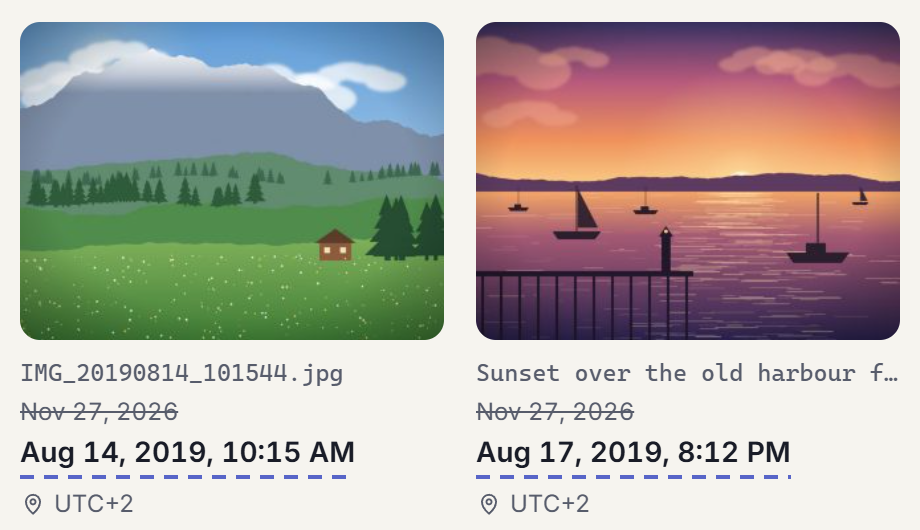
Sunset over the old harbour from the evening ferry.jpggetsSunset over the old harbour from the evening f.json, with part of its own name gone too. - Numbers go after the ending. An immich-go issue shows
IMG_0769(1).HEICwithIMG_0769.HEIC.supplemental-metadata(1).json. In older exports the number sat after the extension:IMG_0769.HEIC(1).json. - Some files have no .json of their own. An edited copy,
IMG_0001-edited.jpg, shares the original's. The video half of a Live Photo,IMG_0769.mp4in the immich-go issue, has its date inIMG_0769.HEIC.supplemental-metadata.json.
Why old commands and tools stopped matching
They find a photo's .json by adding .json to its name.
- ExifTool commands with
"%d/%F.json"look forIMG_0001.jpg.json. On our made-up test folder with the newer names, they printedWarning: Error opening filefor each such photo and changed nothing in it. - The original Google Photos Takeout Helper has not caught up. Issue #353 is still open. The maintainer's only reply, on 1 November 2024, was "okay, will look into this... soon", and the last release, v3.4.3, is from September 2023. In the issue threads, users rename the
.jsonfiles back to the old pattern before running it. - Some tools have changed. ente's importer was fixed in February 2025. immich-go reads the new names, and a fix for numbered Live Photo videos was merged in October 2026. The kaytat ExifTool scripts were updated in September 2025.
See which names your export has
Run this in PowerShell from your Takeout folder. It lists every .json whose name does not end in the full .supplemental-metadata.json:
Get-ChildItem -Recurse -Filter *.json | Where-Object Name -notlike '*.supplemental-metadata.json' | Select-Object -ExpandProperty NameOn our made-up test folder it printed one of each kind:
IMG_0002.jpg.json
IMG_0125.jpg.supplemental-metadata(1).json
IMG_20190817_181200_HDR_portrait.jpg.supplemen.json
Sunset over the old harbour from the evening f.json
Album folders' metadata.json files appear in the list too. They describe the album, not a photo.
What to do, for free
- Full endings. Use the ExifTool command with
"%d/%F.supplemental-metadata.json". Merge Google Takeout .json files into your photos gives it as we tested it, with the steps on Windows. - Cut endings. kaytat's exiftool-scripts-for-takeout try each shortened ending in turn. They write dates only, change the files in place, and the README admits that "Timezones and UTC is still a mystery". From its README:
find_missing.bat path_to_exiftool path_to_photos
dry_run.bat path_to_exiftool path_to_photos
use_json.bat path_to_exiftool path_to_photos- Numbered copies, edited copies, Live Photo videos. Name each pair yourself, one file at a time. The merge guide has the commands.
- A tool that pairs for you. Google Photos Takeout Helper Neo, the maintained fork, is free and had a release on 23 November 2026. Its README mentions "many many edge cases like truncated file names"; we have not checked how it matches them. It moves your files by default, and
--keep-inputmakes it work on a temporary copy instead. The comparison lists the others.
Where the free way falls short
Each method covers some of the names. A cut ending, a numbered copy and a Live Photo video can sit in the same folder, and then you need more than one method, or many single commands. None of them gives you a list of the files that are still unmatched at the end.
Datestitch in about a minute
Datestitch does not depend on the name. It recognises a Google .json by what is inside it, a photoTakenTime, then pairs it with its photo:
- any cut of the
.supplemental-metadataending, and names cut into the photo's own name - numbered copies, in the old and the new style
- edited copies, in five account languages
- the video half of a Live Photo
- a
.jsonwhose name follows no rule but whosetitlenames the photo
When two photos could belong to one .json, it pairs neither: a wrong date is worse than none. Each case is checked file by file in its tests, on exports we built to imitate a Takeout. Add your zip files, check the free preview, then copy and fix into a new folder. Your Takeout is only read.
What Datestitch does not do
We have tested Datestitch only on exports we built to imitate a Takeout, in five account languages. It has not yet run on a real Google Takeout, so the naming rules above are the reported ones, not ones we have seen ourselves.
- Run on a Mac or Linux. It is for Windows 10 and 11, 64-bit.
- Guess. A
.jsonit cannot pair is left out, and the photo is dated from inside the file or its name if it can be, or listed in the report as having no date. - Show every file in the preview. JPEG and PNG files get a thumbnail. HEIC files and videos get a plain tile.
- Install without a warning. The installer is not code-signed yet, so Windows asks before it runs it.